

 Daniel O.
 Mark W.
 Priya S.
 Jake T.
Up to nine questions
Video, text, single choice, multiple choice or a file upload, on any job ad.
Meet the person, behind the resume
Ask a few questions on your job ad. Applicants answer on their phone, by video, text or a quick tap. You watch between customers and only book the people worth meeting.
Free to start · No credit card requiredSame 20 applicants. One way eats your afternoon, the other fits in a coffee break.
Example maths, not a promise — but you get the idea.
How it works
Add up to nine questions to any job ad. Mix a short video answer with quick ticks, text and file uploads, and make each one required or optional.
From your job link, QR poster or an invite, applicants answer one question at a time in the browser. No app to download, no account to make.
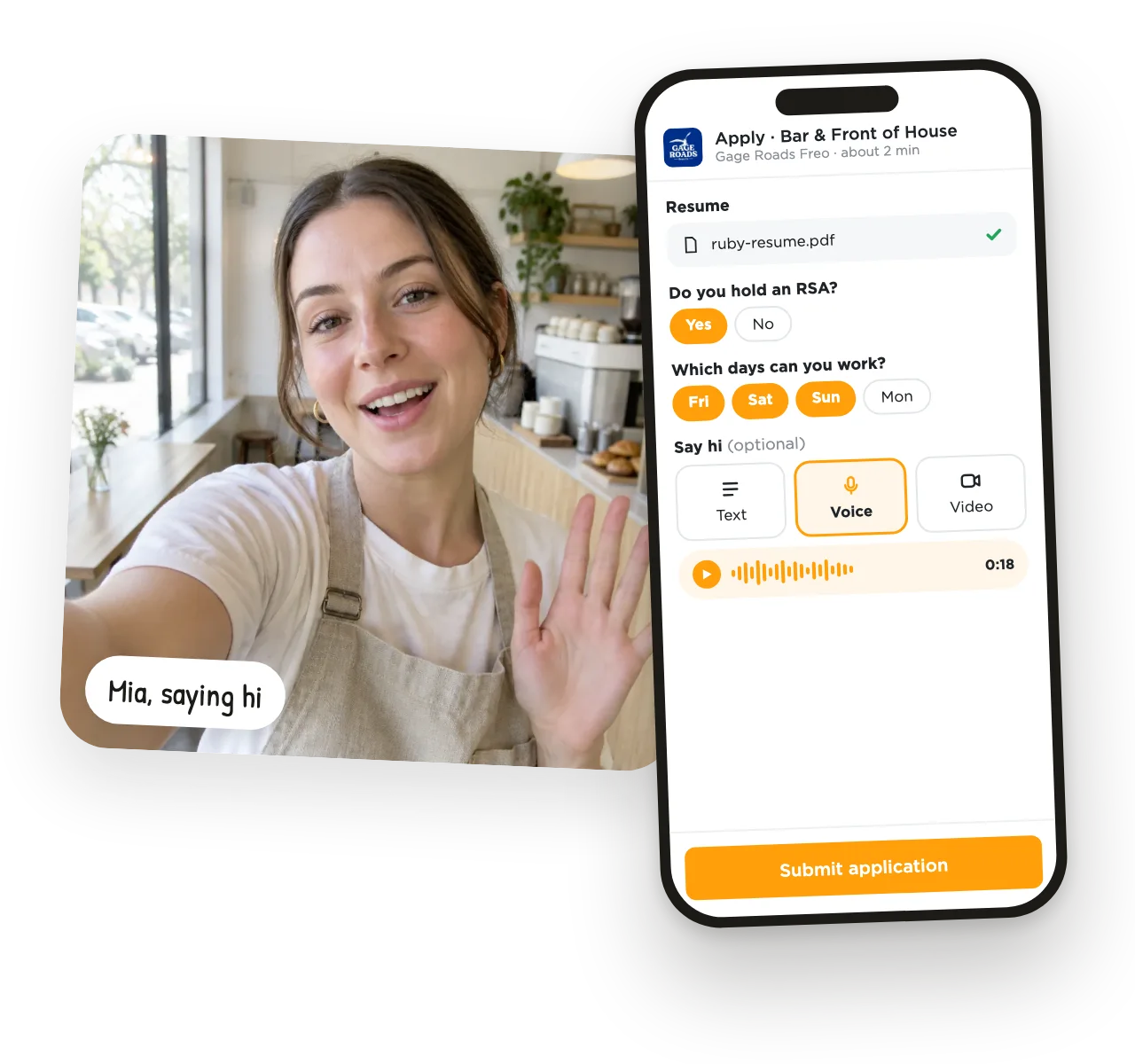
Every application opens with their video, a short TL;DR, their resume and their answers side by side. Thumbs up to shortlist, thumbs down to pass, and message the keepers straight from the card.
Your hiring board
Watch, tap, done. Every applicant lands in New, and one tap sorts them.
Already have applicants?
Got a pile from another job board, a referral or walk-ins? Create a private screening ad, invite them by email or upload a CSV, and they answer your questions the same way. The ad never shows publicly.
Video, text, single choice, multiple choice or a file upload, on any job ad.
Short enough to watch between customers, long enough to get a feel for someone.
Your question stays on screen while they record, so answers stay on topic.
Applicants send the take they're happy with, not their first nervous go.
Ask for a 27-second intro on any job, or leave it optional.
Share applications with your managers and move people across one board.
Jot down what stood out. Only you can see your notes.
Message one applicant, or a whole list at once, without leaving UseVerb.
Scores each resume and written answer against your job ad, with strengths and gaps to ask about.
Local owners on why they interview this way.
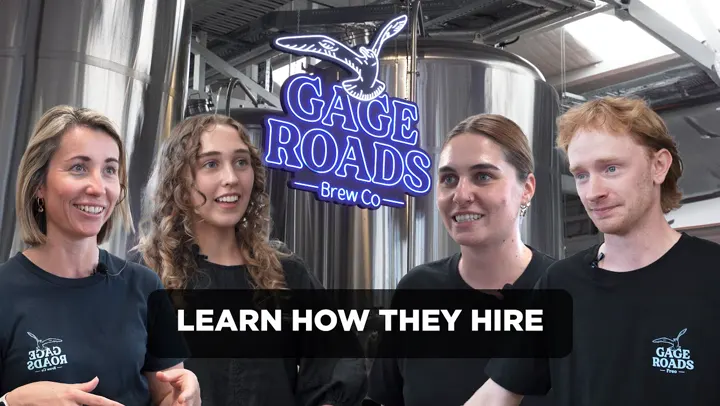
“It's so much easier for us to put a face to the name and get a vibe check.”
Floor Manager · Gage RoadsRestaurants & Hospitality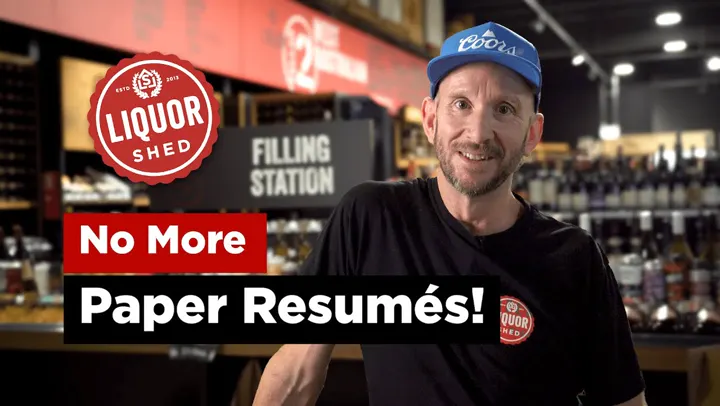
“The value I get at UseVerb is definitely being able to see the person… and not having to go through all the resumes and pieces of paper.”
Hofmann · Liquor ShedLiquor Store & Retail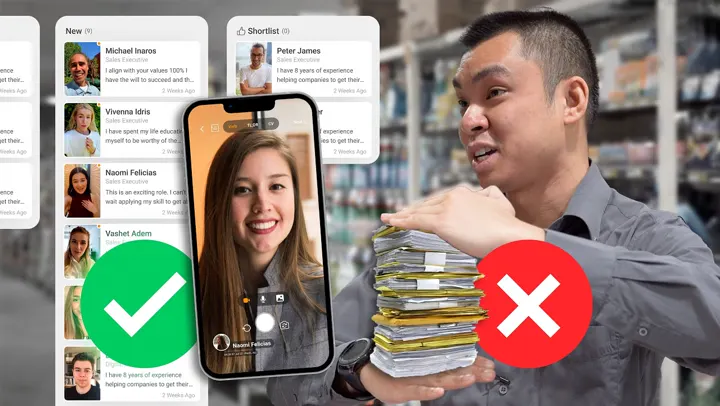
“We're looking for personality & attitude, UseVerb helps us identify that.”
Matt · Pham Group IGASupermarkets & GroceryCafes, grocers, breweries, dealerships and more use UseVerb to meet applicants before the interview.








Straight answers about how it works.
It's a one-way video interview. You add a few questions to your job ad, and applicants answer on their phone in their own time — by video, text, multiple choice or a file upload. You watch the answers whenever suits you and decide who to meet.
No. They answer in the browser from the link, QR poster or invite. An email address is enough to apply; the iOS and Android apps are there if they prefer them.
You choose 30 or 60 seconds for each video question. The optional video or voice hello on an application is 27 seconds. Applicants can re-record as many times as they like before they send.
No. Every question can be required or optional, and you can mix video with text, single-choice, multiple-choice and file questions. Many local businesses keep video optional and still get plenty of hellos.
Yes. Share an application with your team in one tap, keep your own private notes, and move people across your hiring board together.
No — people do. AI Recruiter reads each applicant's resume and written answers against your job ad and gives you a match score with strengths and gaps, so you know what to ask in the interview. The decision stays with you.
Yes. Create a private screening ad, then invite candidates by email or upload a CSV. They answer your questions the same way, and the ad never appears publicly.
Add questions to a job ad in a few minutes and share the link, your QR poster or an invite. Applications start landing on your board as soon as people answer.
Add your questions, share the link, and watch the answers roll in.
Free to start · No credit card required