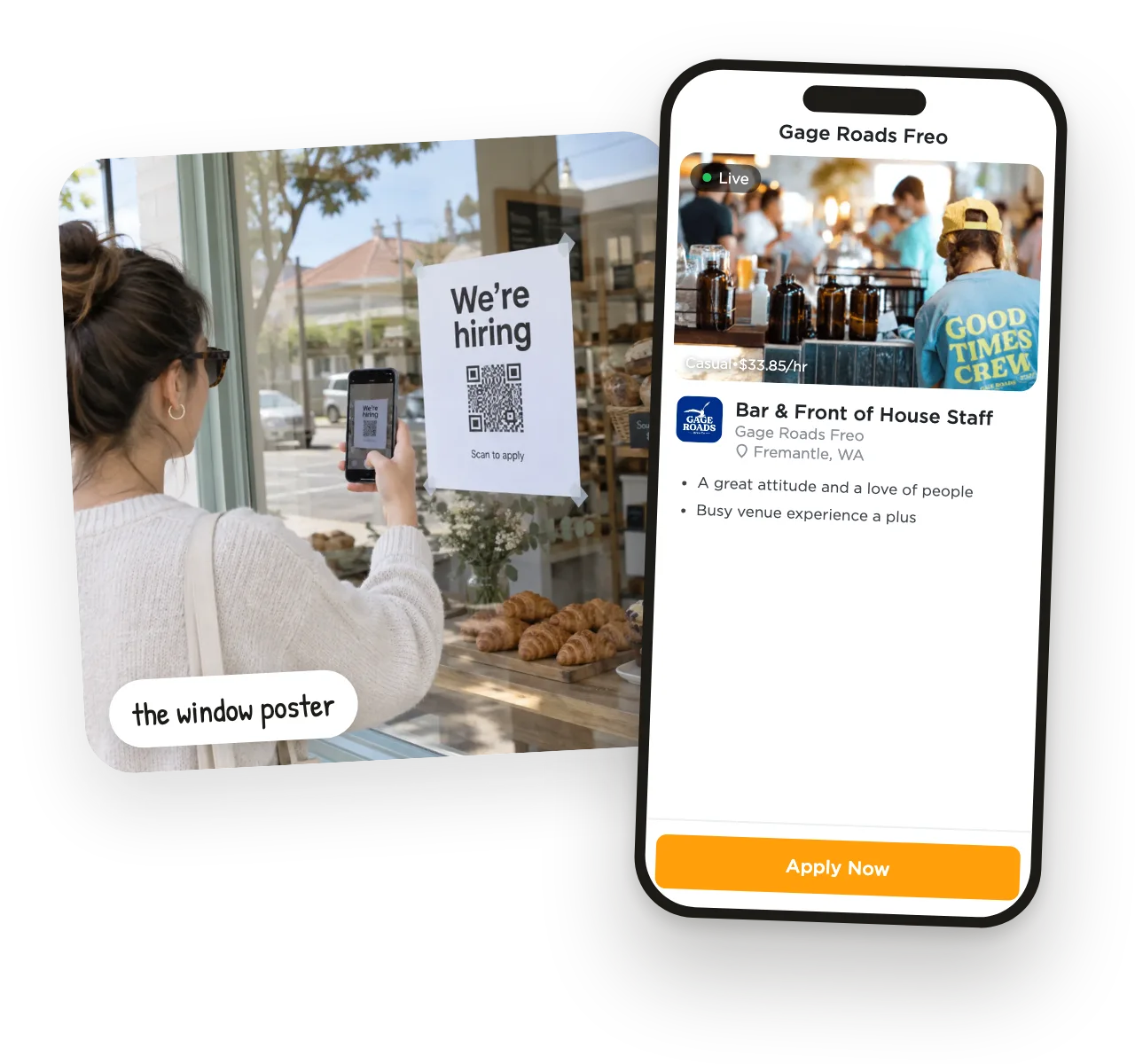
1They scan
Your job opens on their phone — no app to download, no account to make.

Join 3,300+ Businesses·25,000+ Job Seekers·No Credit Card Required
Real local businesses hiring with UseVerb. Tap any of them to watch their story.
Trusted by local businesses








Businesses & job seekers hiring in
…and anywhere you want to hire people with a face to their name.
Most hiring drags on for weeks of ads, resume piles and phone tag. With UseVerb, a local business can put a poster up in the morning and have a new starter by the afternoon.
 9:00am
 11:20am
 2:00pm
 4:30pm
Print a free QR hiring poster for your window, counter or van. Regulars scan it, apply on their phone in two minutes, and land straight on your board — not in your inbox.
pick a style, add your logo, print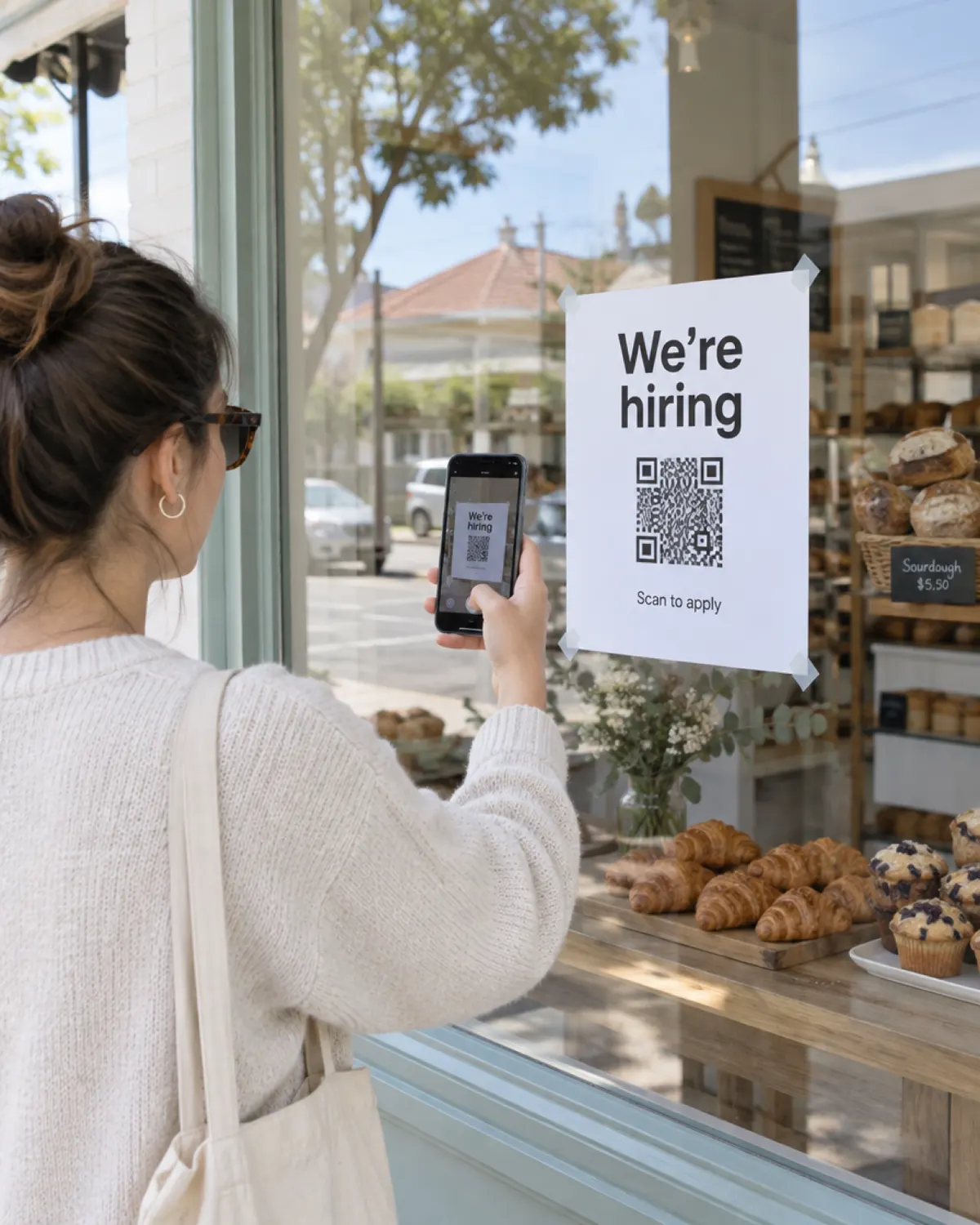

Your job opens on their phone — no app to download, no account to make.
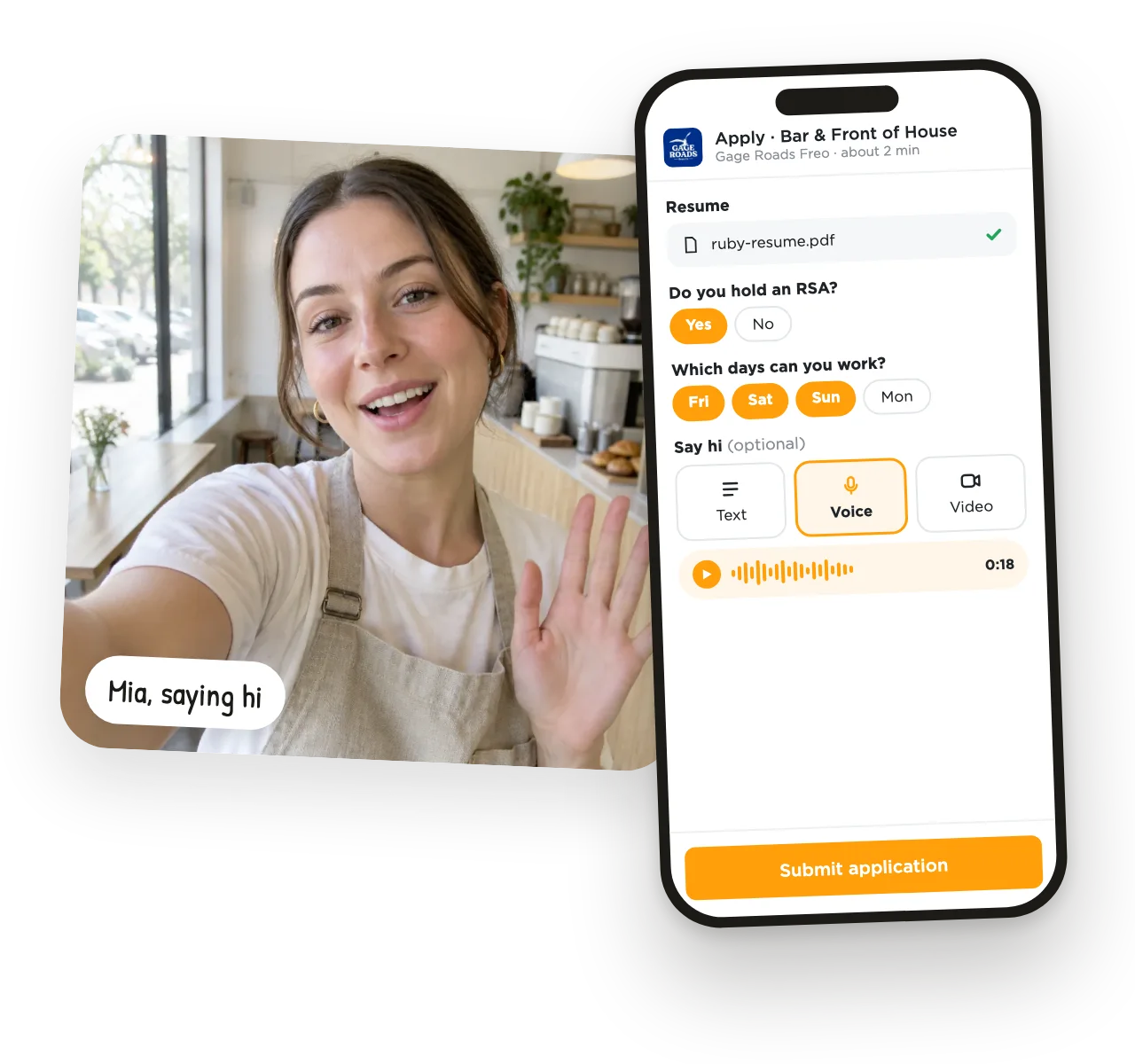
Resume and a few quick questions, then a short hello by text, voice or video. Video is optional — you choose per job.
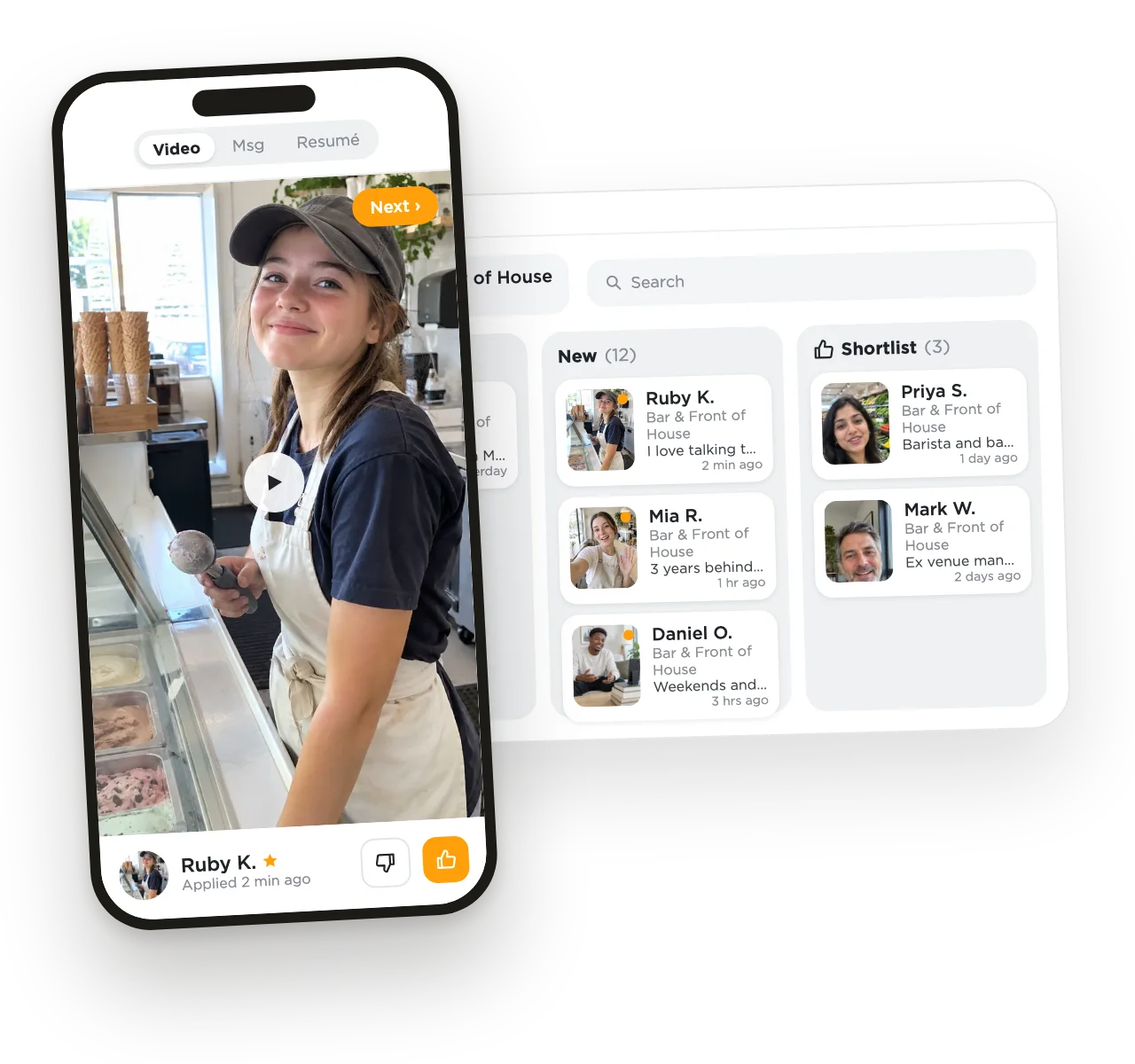
They land on your board. Yes or no in a tap, from your phone, between customers.
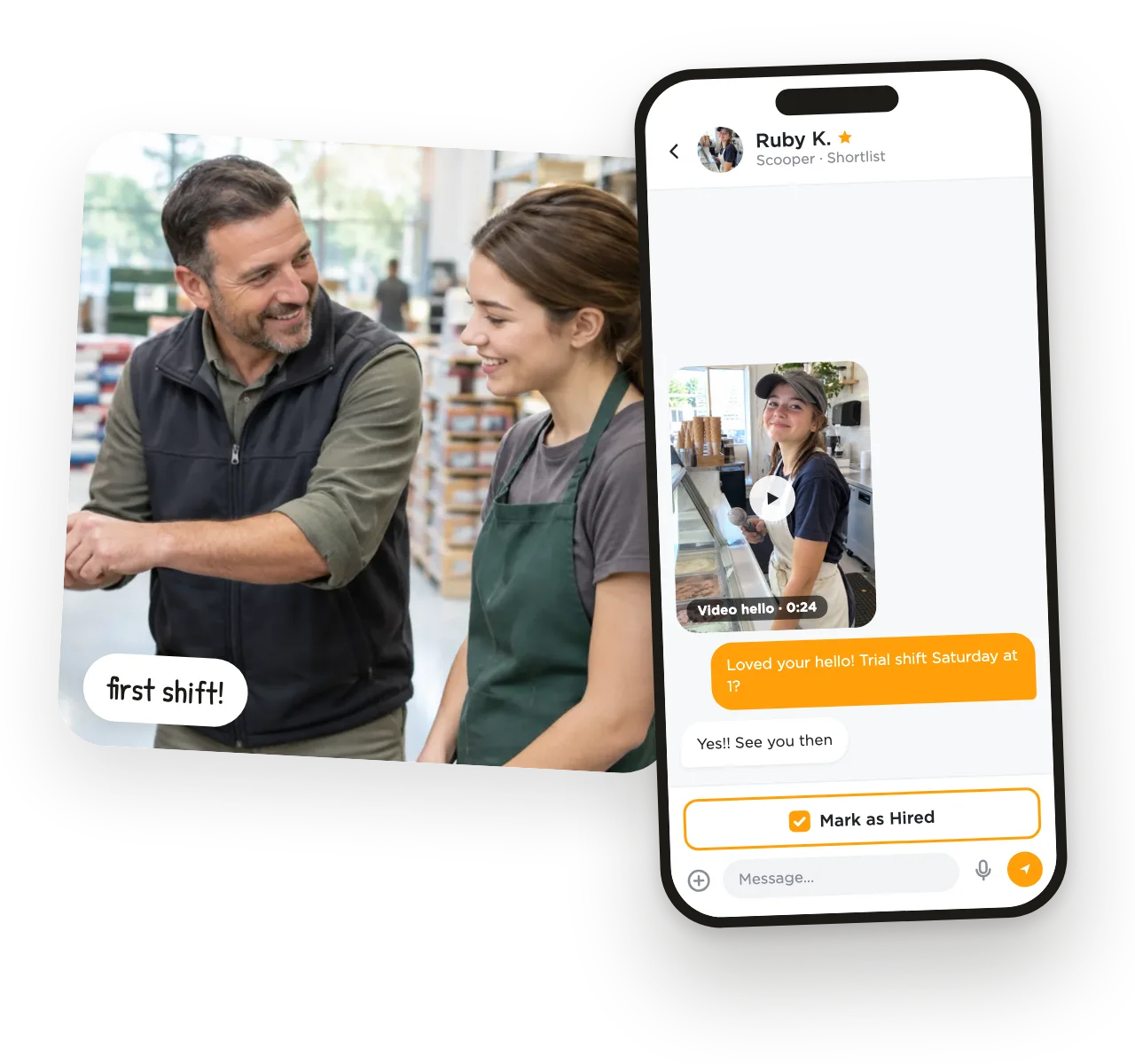
Message, meet, mark the hire. No phone tag, no lost emails.
Resume, answers and their hello on one card.
Yes or no in a tap, chat right there.





Job ads, video interviews and better hires are usually three separate bills. With UseVerb they come together.
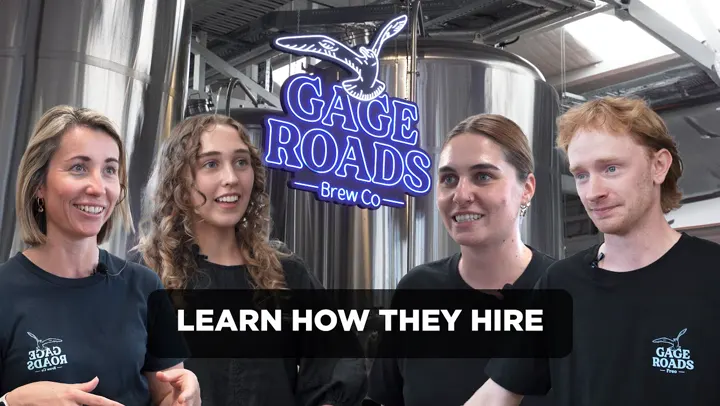
“It's so much easier for us to put a face to the name and get a vibe check.”
Floor Manager · Gage RoadsRestaurants & Hospitality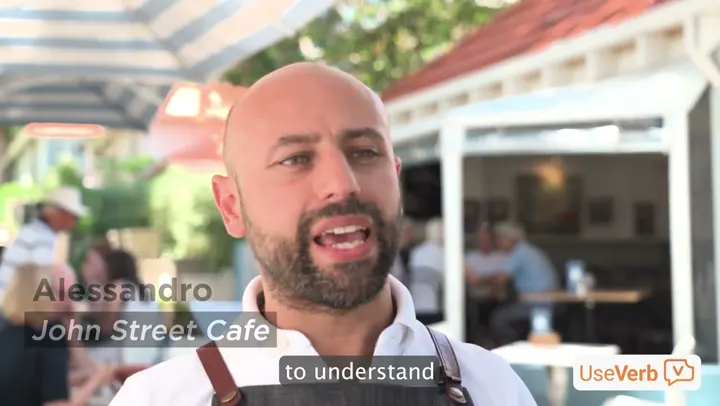
“I would certainly recommend UseVerb to all small businesses like mine. It's going to speed up the process on a budget.”
Alessandro · John Street CafeCafe & Restaurant
“UseVerb gives someone who really wants to work, the opportunity to work.”
Tony Galati · SpudshedSupermarkets & Grocery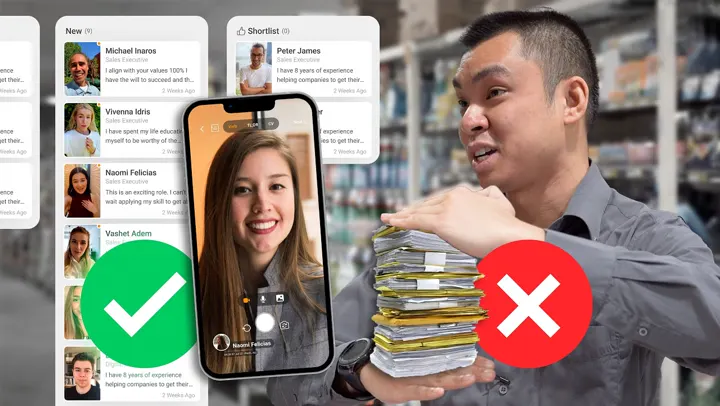
“We're looking for personality & attitude, UseVerb helps us identify that.”
Matt · Pham Group IGASupermarkets & Grocery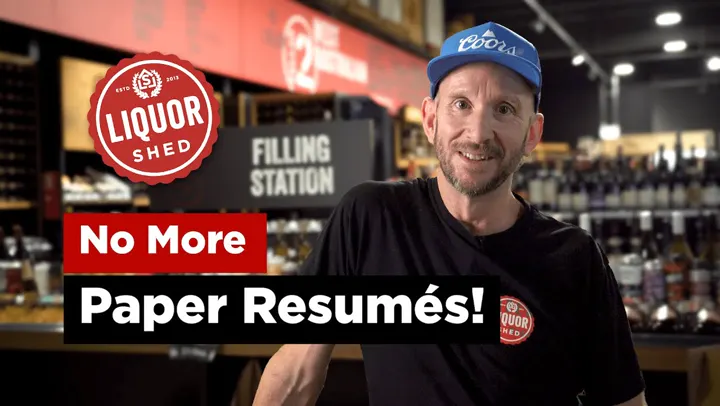
“The value I get at UseVerb is definitely being able to see the person… and not having to go through all the resumes and pieces of paper.”
Hofmann · Liquor ShedLiquor Store & Retail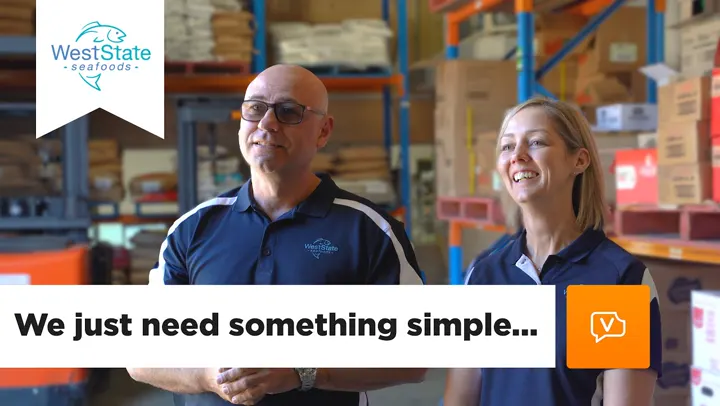
“When they're on video, you're going to get a bit more of a personal touch and how they are.”
Dave & Lisa · Weststate SeafoodsRetail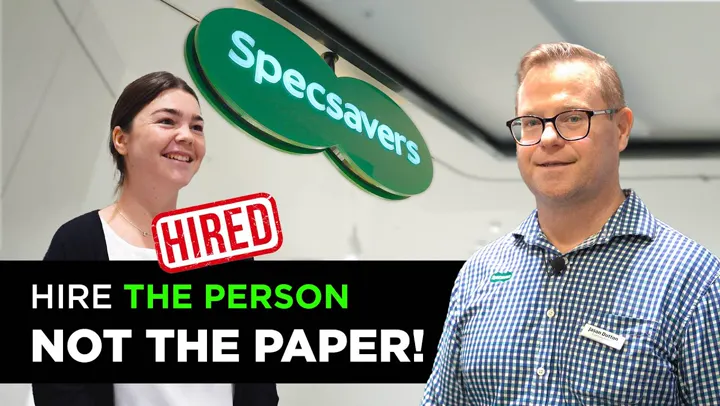
“It's an absolute game changer going away from paper-based stuff. Allows the process of hiring to be a lot quicker.”
Jason · SpecsaversHealthcare & Retail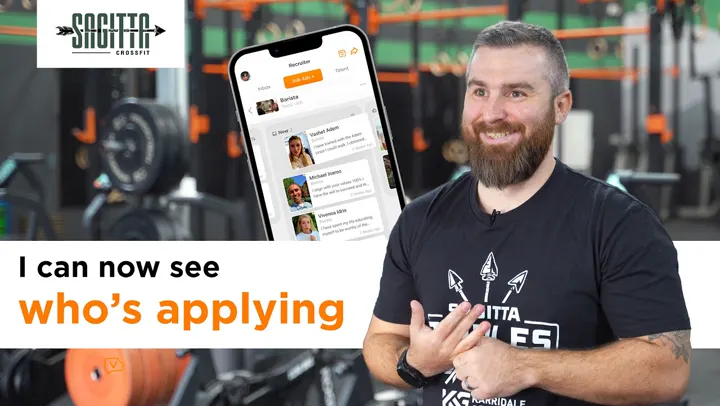
“Would I recommend UseVerb? 100%. It just enables me to find the right fit, the right people.”
Chris · Sagitta CrossFitFitness & Training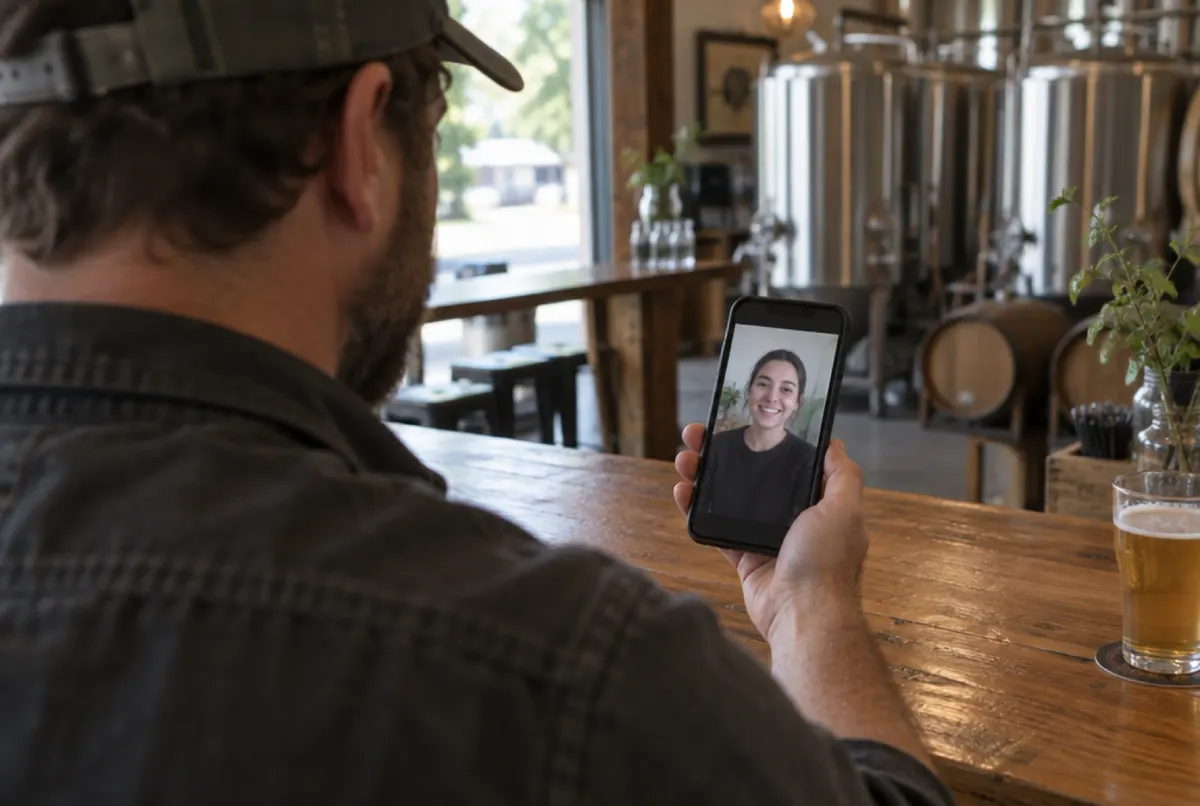

Real reviews from the App Store and Google Play.
“Hands down this has improved how we hire new team members. We would receive so many resumes and cover letters but they never gave us a good picture of who someone was. That's why we fell in love with Video Verbs — we got to meet all our candidates. So simple and it makes me think why we didn't do this earlier!”
“I can't even remember how many jobs I've applied for till date. But after applying for 2 jobs using UseVerb, I got my job. Video Verb feature of UseVerb is really outstanding.”
“The WorkChat is very convenient to use since you don't have to email your colleagues and employer. When applying for a job, the process is straight to the point where I only need to take a video of myself. Also, the Job Search Secrets Course contains informative worksheets and advice to find the right job!”
“Very good app! It works smooth. I like the new audio approach which is completely different from everything I saw so far. Good job keep going!”
Get quick answers to common questions about UseVerb.
UseVerb is a visual job board to attract real people, coupled with the tools to help them say hi and stand out. Ads and service specialise in local foot-traffic conversion, social media hiring and visual job ads. Candidates apply with voice or a short video pitch so employers meet a person, not an AI-generated resume. Free to start for job seekers. Job Seeker Premium is $9/month.
Yes. Job seekers can apply for free — create a profile, build an AI-assisted resume, record video pitches, search jobs and communicate with employers at no cost. Job Seeker Premium is $9/month. For businesses, the free tier includes a job posting, career page or business listing, QR code hiring posters, interview chats and candidate management. Business Premium is $79 per month per location and unlocks AI Recruiter, unlimited job ads, advanced screening and priority support — and every Premium plan starts with a 7-day free trial so you can try before you commit. No credit card required.
Our AI matches and presents the top 3 from resume and technical content only. We do not score faces, voices, or media. No face embeddings, liveness, emotion, or ranking by video. A hello on camera is a message you watch. You pick.
No. We do not score the face, voice, or recording. AI matches and presents the top 3 on resume and technical content only. You watch the media. You pick.
No. UseVerb is a visual job board. The point is attracting real people and letting them say hi — so you meet a person, not another generated PDF. We do not score faces, voices, or media.
AI-generated resumes and mass-apply tools created a hiring doom loop: more spam, tighter filters, more spam. UseVerb is the antidote. Visual job ads plus a short hello so you meet the person — not another generated cover letter. Read Escape the hiring doom loop.
No — videos are optional but highly recommended. A 27-second video introduction shows your personality better than a whole page of text. Employers can instantly see your communication skills, enthusiasm and fit. UseVerb makes recording simple: practice as many times as you like, use the built-in teleprompter and AI script generator, and only send when you are happy. Many users find their video is the reason they get the interview.
Most boards collect PDFs. We collect people. Visual job ads in the shop window and on social; candidates say hi to stand out. Ads specialise in local foot-traffic conversion, social media hiring and visual job ads. Read how we break the hiring doom loop.
UseVerb supports hiring across all industries including sales, hospitality, retail, healthcare, trades, technology, education, professional services, automotive, real estate, events, farming, cleaning, recruitment, franchises and remote work. Any business that hires people can post a visual job ad and meet candidates who show up as themselves.
UseVerb is free to start for both employers and job seekers. Business Premium is $79 per month per location. Job Seeker Premium is $9/month. The free tier includes job posting, career pages, QR code hiring posters and candidate management. Premium unlocks AI Recruiter, unlimited job ads, video screening and more, and every Premium plan starts with a 7-day free trial — no credit card required. Many businesses find UseVerb pays for itself by eliminating bad interviews and reducing time-to-hire.
UseVerb generates printable QR code hiring posters for every job ad. Place them in your store window, on flyers, vehicles or anywhere foot traffic passes. Candidates scan with their phone camera and apply on the spot — no typing URLs, no searching online. For job seekers it removes every barrier: see a job, scan, apply in seconds. Local businesses find QR posters bring in nearby candidates who are genuinely interested and ready to start.
Absolutely. Employers are drowning in identical resumes and actively want a faster way to screen candidates. A 30-second video shows communication skills, personality and genuine interest — information that takes a full interview to uncover from a resume. Many hiring managers say video introductions help them make better, faster decisions. Your video gets you remembered and gets you the interview.
Many users receive interview requests the same day they apply. Unlike traditional job sites where resumes sit in a pile for weeks, UseVerb surfaces your personality and video immediately to employers. Local businesses especially value finding nearby candidates who show genuine interest. The combination of video introduction and instant delivery means your application stands out from the moment it arrives.
Yes. UseVerb works alongside your existing HR and recruitment tools. Use it as a standalone visual job board or next to your current ATS. We add visual ads and video applications on top of what you already have — no need for a big migration.
That is exactly why UseVerb exists. Post a visual job ad in minutes, print a QR hiring poster for the window, share on social. Meet people who cared enough to say hi. Invest minutes upfront instead of hours in a resume pile.
Put up a free QR hiring poster, meet applicants before you meet them, and hire from one board.
Free to use · No credit card required